

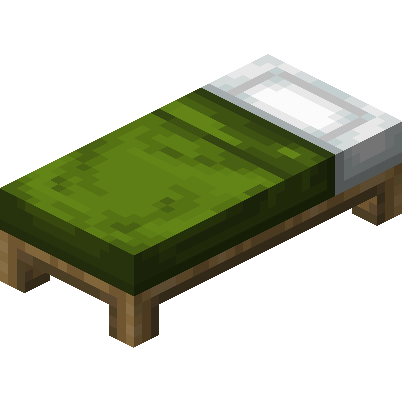
Green bed
How to Craft / Obtain

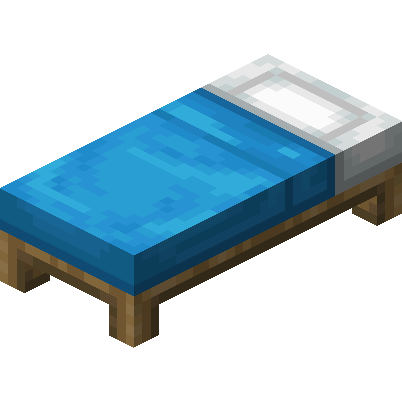

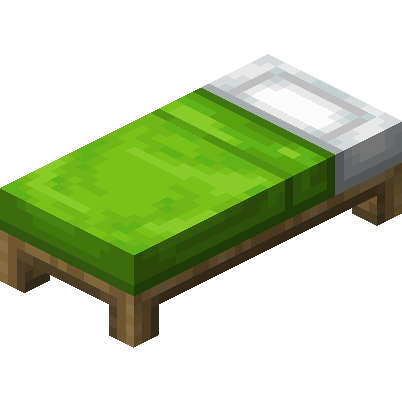
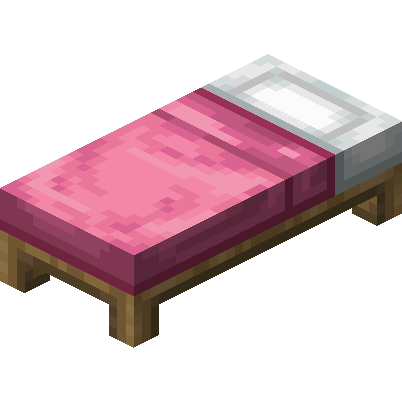

Ingredients:
-
minecraft:green_dye
-
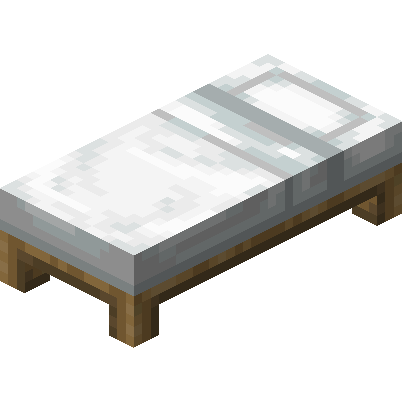
minecraft:white_bed
-
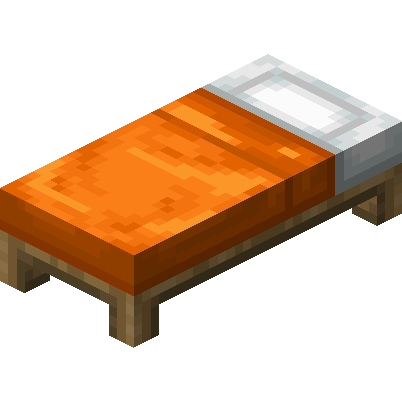
minecraft:orange_bed
-
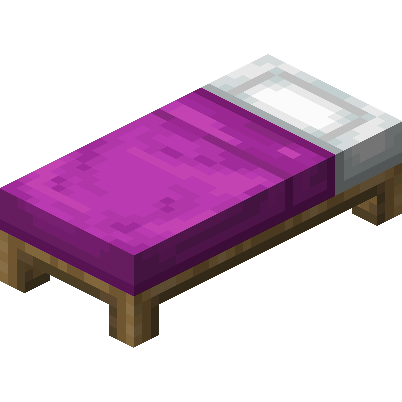
minecraft:magenta_bed
-
minecraft:light_blue_bed
-
minecraft:yellow_bed
-
minecraft:lime_bed
-
minecraft:pink_bed
-
minecraft:gray_bed
-
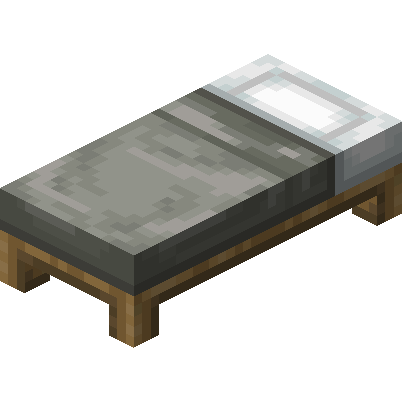 minecraft:light_gray_bed
-
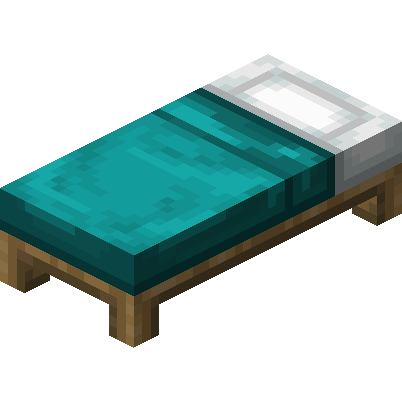 minecraft:cyan_bed
-
 minecraft:purple_bed
-
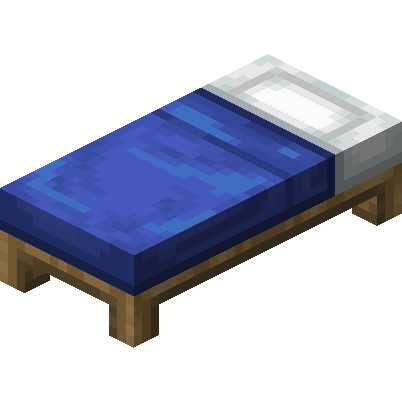 minecraft:blue_bed
-
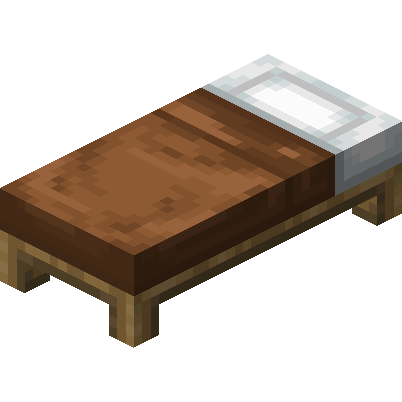 minecraft:brown_bed
-
 minecraft:red_bed
-
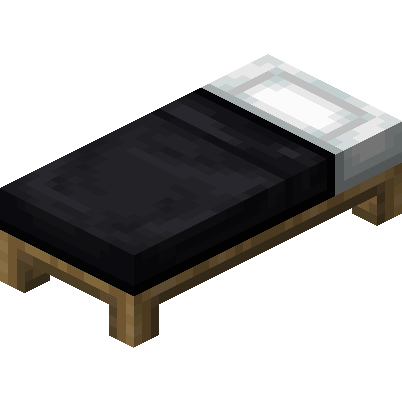 minecraft:black_bed
Yield: 1

Uses for this Item (Recipes Including This)
About
A bed is a dyeable utility block that allows a player in the Overworld to sleep through the night and change their spawn point to within a few blocks of the bed, as long as it is not broken or obstructed. Villagers sleep in beds at night and require spare beds to produce offspring. No tool can accelerate the breaking process of a bed, and a bed always drops itself when it is destroyed. Regarding natural generation, a red bed naturally generates in each igloo, while various colors generate in village houses depending on the specific structure and biome. Desert village houses contain cyan, green, or lime beds, plains village houses feature white or yellow beds, and savanna village houses have orange, red, or yellow beds. Snowy taiga and taiga village houses contain blue or purple beds, whereas snowy tundra village houses have blue, red, or white beds. Furthermore, in Java Edition, any color of beds can generate in intersection rooms of trial chambers, whereas Bedrock Edition generates beds with limited sets of colors in those locations, and secret rooms can contain purple beds.
Beds are used by pressing the use item button while looking at the bed when the internal sky light is 11 or below. This occurs between 12523 and 23477 ticks in clear weather when stars appear in the sky, between 12002 and 23998 ticks in rainy weather, and at any time of day during thunderstorms. Players can sleep during a thunderstorm even in biomes where it does not rain, such as deserts. A player sleeps in a bed for 101 in-game ticks, or 5.05 seconds, before the time skips to the next day. Sleeping is exclusively possible in the Overworld, as attempting to sleep in a bed in the Nether, the End, or custom dimensions where they are disabled causes the bed to explode with power 5 and set fire to surrounding blocks and the player. Villagers can sleep normally in any dimension without causing explosions. To use a bed, a player must be within a distance of 3 blocks in Java Edition or 2 blocks in Bedrock Edition. Additionally, sleeping is prevented if a monster is within 8 blocks horizontally and 5 blocks vertically, or if phantoms can spawn due to 3 in-game days passing without sleep or death. Taking damage from any source while in bed, such as fire, poison, starvation, or attacks, immediately wakes the player, and players cannot sleep in a bed occupied by another player, though they can sleep in a bed being used by a villager by waking the villager and quickly entering the bed.
Passing the night by sleeping changes the time of day to sunrise and resets the weather cycle to clear conditions in Java Edition. To skip the night in multiplayer, all players in the Overworld must be in bed at the same time, or the required percentage can be customized using the players_sleeping_percentage game rule. Sleeping does not accelerate processes that take place over time, such as crop growth or smelting. Players and villagers do not drown or take damage from lava while in a bed, even if the bed is covered in lava, but if the bed is destroyed while the player is in it, the player wakes prematurely and the night does not pass. On Peaceful difficulty in Bedrock Edition only, sleeping in a bed fully restores the player's health. Waterlogged beds in Bedrock Edition cannot be slept in unless the player or villager has the Water Breathing or Conduit Power status effects. If a player attempts to sleep with no suitable wakeup positions, they will suffocate upon waking, resulting in the obstruction message.
Once a player enters a bed or right-clicks it during the daytime, their spawn point is set to the location of that bed, and multiple players can set their spawn point on a single bed. When a player respawns, the game checks the two blocks to the immediate left and right of the head of the bed based on the direction the player was facing when setting the spawn point, with the right side taking priority if perfectly aligned. If the chosen side is obstructed, the game checks adjacent blocks in a clockwise or counterclockwise direction, followed by the blocks above the head and foot of the bed. For a location to be unobstructed, the block at the level of the bed must be air or non-solid, and there must be a solid block below with two non-colliding blocks for the player to stand in. If a bed is obstructed, the player's spawn point is cleared after they respawn, causing them to respawn at the world spawn point until they interact with the bed again.
Falling onto a bed bounces any living entity with 75% of the impact velocity, reducing fall distance to 50% of the actual distance fallen and decreasing fall damage. Baby villagers bounce on beds during the day, and players can bounce on beds while another player or villager is sleeping without waking them. Each bed in the vicinity of a zombie villager also has a chance to speed up the curing process of that zombie villager. Regarding placement, beds require two blocks of floor space, and while Bedrock Edition requires solid blocks below them and forbids placement on transparent blocks, Java Edition allows beds to be placed anywhere as long as there is enough room. Beds are destroyed when a piston tries to push them and cannot be pulled by sticky pistons. The red bed was the original default bed color until Java Edition 1.12 and Pocket Edition 1.1.0 changed the default color to white.